
Tuya Security Camera OEM: A Private-Label Planning Guide
Plan a Tuya camera OEM project around hardware, app compatibility, branding, localization and sample approval before placing a bulk order.
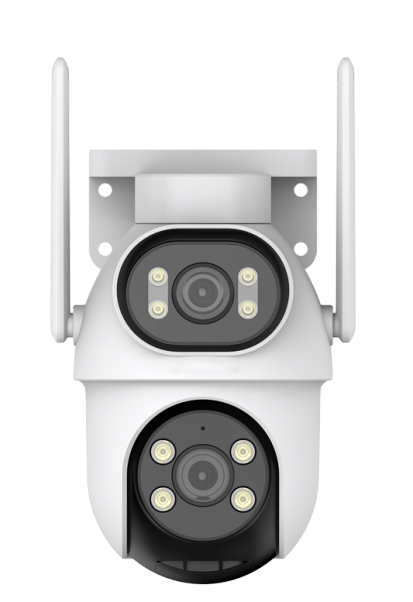
Key Points for Buyers
- Separate camera hardware customization from app branding and SDK integration.
- Confirm Tuya support for the exact model and firmware configuration.
- Approve a working sample before finalizing branding and production.
What does Tuya camera OEM mean?
A Tuya camera OEM project combines a compatible camera platform with agreed hardware and branding requirements. A camera using Tuya Smart or Smart Life does not automatically include a custom branded app, SDK access or every Tuya ecosystem function.
Define the hardware and app scope separately
Start with the camera model, installation environment, resolution, power supply and recording requirements. Then review the app experience, onboarding, supported languages, notifications and any integration required by your brand. App customization and SDK integration need a separate technical and commercial review.
Agree on private-label deliverables
- Camera logo, housing color and approved artwork.
- Retail packaging, accessories and localized user manuals.
- Supported app languages, firmware functions and update arrangements.
- Product documentation for the destination market.
Use samples to verify the customer experience
Test pairing, live view, playback, alerts, audio and installation in the intended environment. Confirm which functions are included in the selected camera and which depend on cloud services, subscriptions or project development.
Prepare a clear OEM request
Send your target country, buyer channel, selected models, estimated quantity, preferred app and branding requirements. SINOVISION can review available configurations and define the sample and production scope. Do not assume that a WiFi camera platform and a 4G camera platform offer the same app options.